

CertIntel Interactive Demo
See how to use the CertIntel platform and Windows Agent to issue a Let's Encrypt certificate with delegated DNS-01, install and bind it to an IIS site, then review its details and monitor it in the platform.
CertIntel Interactive Demo
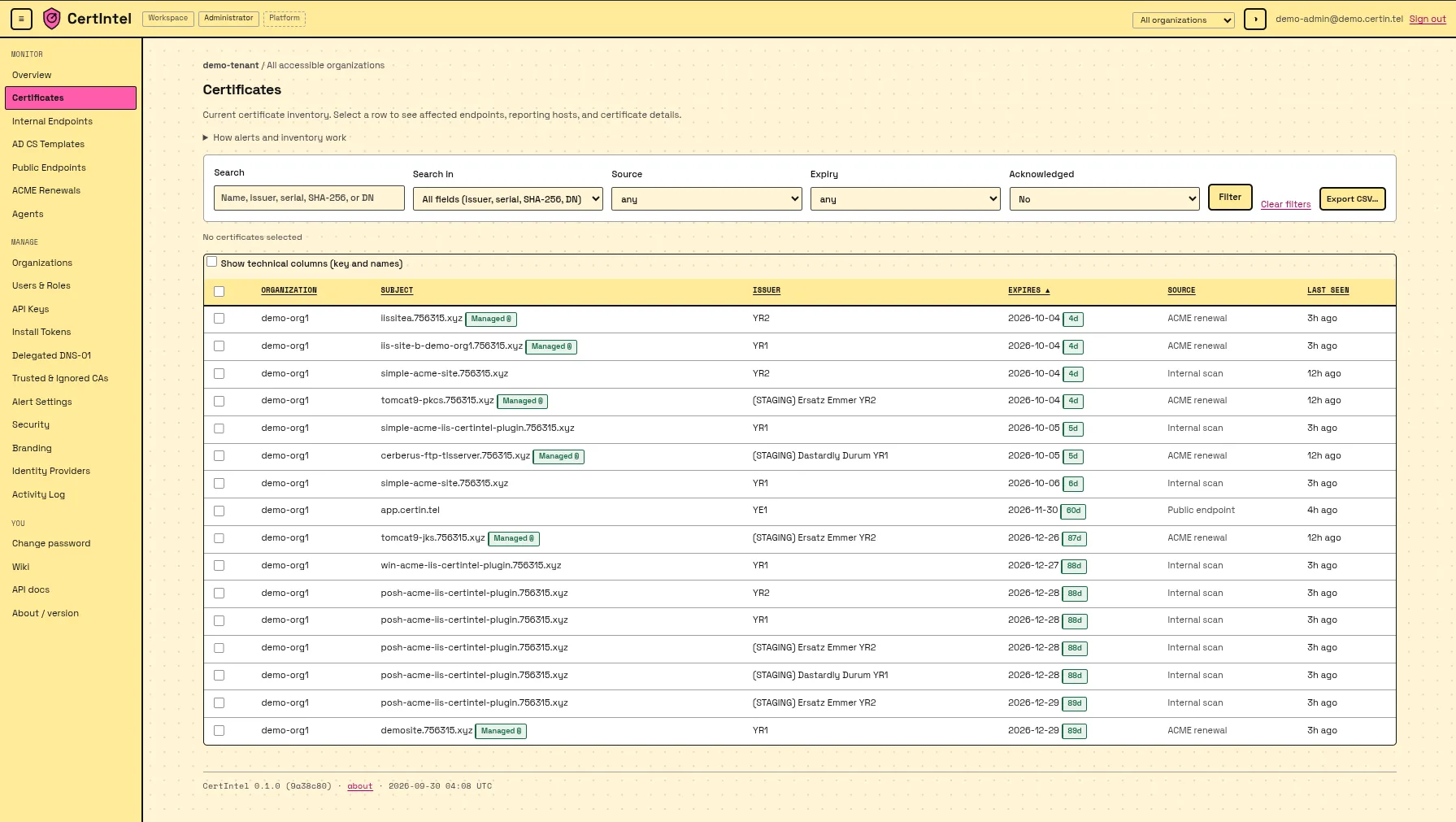
From an HTTP-only IIS site to a monitored Let's Encrypt certificate
See how to use the CertIntel platform and Windows Agent to issue a Let's Encrypt certificate with delegated DNS-01, install and bind it to an IIS site, then review its details and monitor it in the platform.
Interactive walkthrough
Press Get started, then follow the highlighted control on each screen.
Nine short chapters, one complete workflow
Every screen is captured from a real CertIntel demo tenant, the Windows Agent and IIS. Jump to any chapter from the rail above the player.
- 01
Start in IIS
The IIS site is running on HTTP only.
- 02
Delegate DNS-01
Let CertIntel answer the ACME challenge for the hostname.
- 03
Publish the CNAME
One record at your DNS provider, with no proxying.
- 04
Build the workflow
Pick the IIS HTTPS binding template in the agent.
- 05
Certificate setup
Name the certificate and choose a Let's Encrypt account.
- 06
Connect the delegation
Give the agent the delegation credential and issue.
- 07
Issue and verify
Watch the run, then confirm the HTTPS binding in IIS and the browser.
- 08
Review in CertIntel
Find the renewal event and the unified certificate record.
- 09
Monitor the endpoint
Add an internal TLS probe and see every source in one place.